How to Find and Book a Vanly Stay
Search for RV parking, compare listings, choose your schedule, and complete your booking.
Anna @ Vanly ·
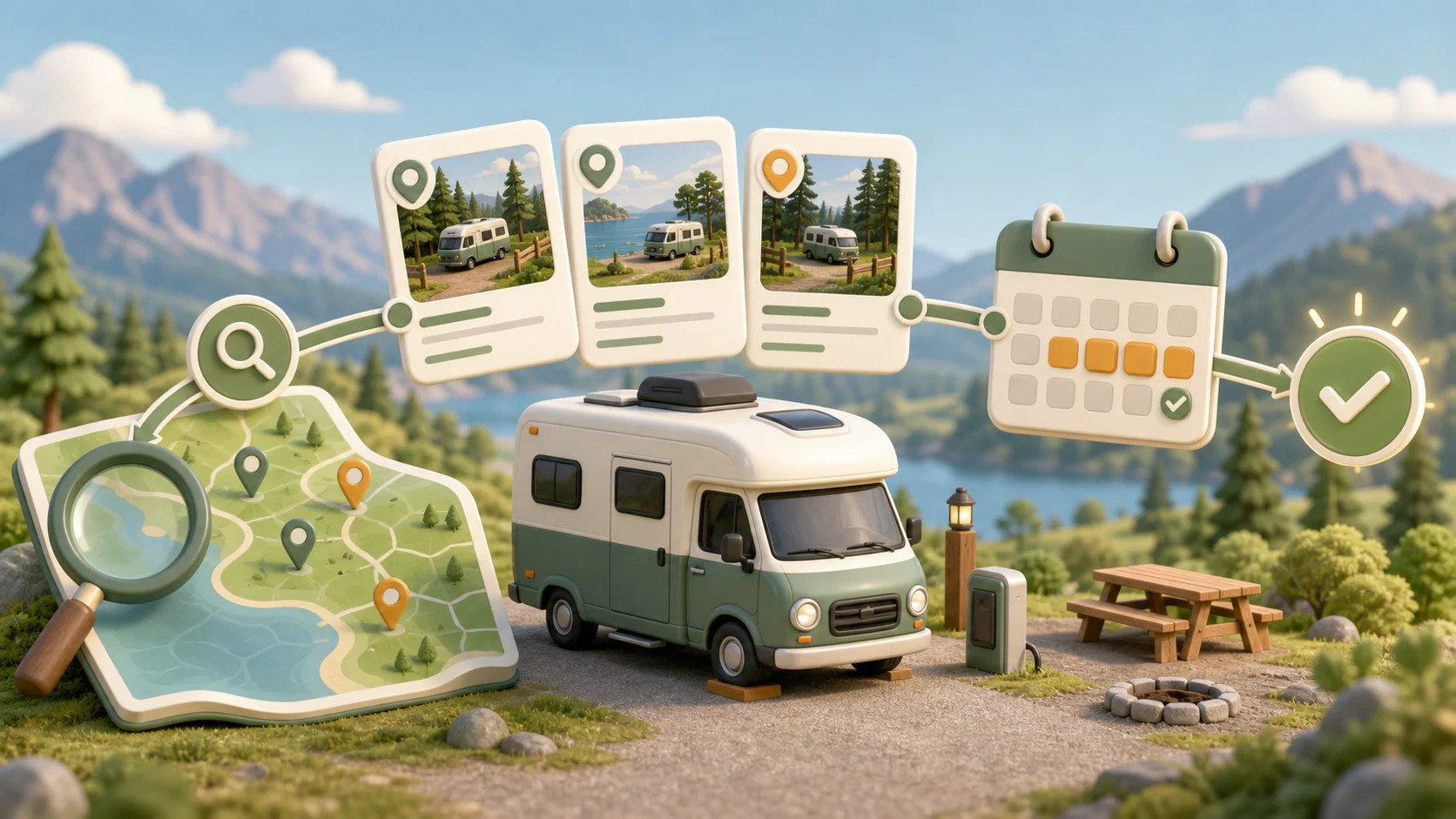
Vanly helps you find overnight and hourly RV parking that fits your route and travel needs. This guide explains how to search, compare your options, review the important listing details, and complete your booking.
Before you begin
A verified Vanly account with completed guest onboarding
Your intended destination and travel dates
A verified mobile phone number
Your vehicle details and a clear rig photo
A valid payment method
Step 1: Search for your destination
Enter the city, destination, or area where you need parking. Select your travel dates when available, then start the search to see matching Vanly listings in that area.
Tip: Adding your dates early helps narrow the results to stays that are available for your trip.
Important: Search for Vanly parking near your destination.
Step 2: Filter and compare available stays
Compare the available listings using the results list and map. Apply filters for the features that matter to your trip, such as price, vehicle size, overnight or hourly parking, hookups, amenities, house rules, cell coverage, or 1-Click Bookings. Select a listing card or map marker to learn more about that stay.
Tip: Start with your essential requirements, such as vehicle size and hookups, before adding optional preferences.
Step 3: Review the listing and select your schedule
Review the listing’s photos, parking information, amenities, hookups, rules, reviews, host details, and cancellation policy. If the listing supports both options, choose Overnight or Hourly parking: For an overnight stay, select your check-in and check-out dates. For hourly parking, select a date, available start time, and duration. Review the displayed price, then select Request to Book or Book Instantly to continue.
Tip: Confirm that the parking space, arrival schedule, vehicle requirements, and house rules work for your trip before continuing.
Important: Availability, rates, booking rules, and the available parking types can differ between listings.
Step 4: Review the stay and add guest details
Review the schedule, price breakdown, listing rules, cancellation policy, and any optional extras. Next, confirm: The number of guests arriving The primary guest’s name, direct contact email, and profile photo The names of any additional guests The vehicle you will be driving The vehicle’s required details and rig photo A short introduction explaining your trip to the host If your phone number is not verified, complete phone verification before continuing.
Tip: Have your vehicle year, make, model, license plate, length, features, and rig photo ready before starting the booking.
Important: The guest and vehicle information should accurately represent who and what will arrive at the listing.
You’re ready
Your booking has been submitted. Instant bookings are confirmed immediately, while booking requests must be accepted by the host. You can follow the booking status and communicate with your host from your Vanly trips and booking details.