Manage Your Vanly Notification Preferences
Choose how Vanly sends messages, booking reminders, and important announcements
Anna @ Vanly ·
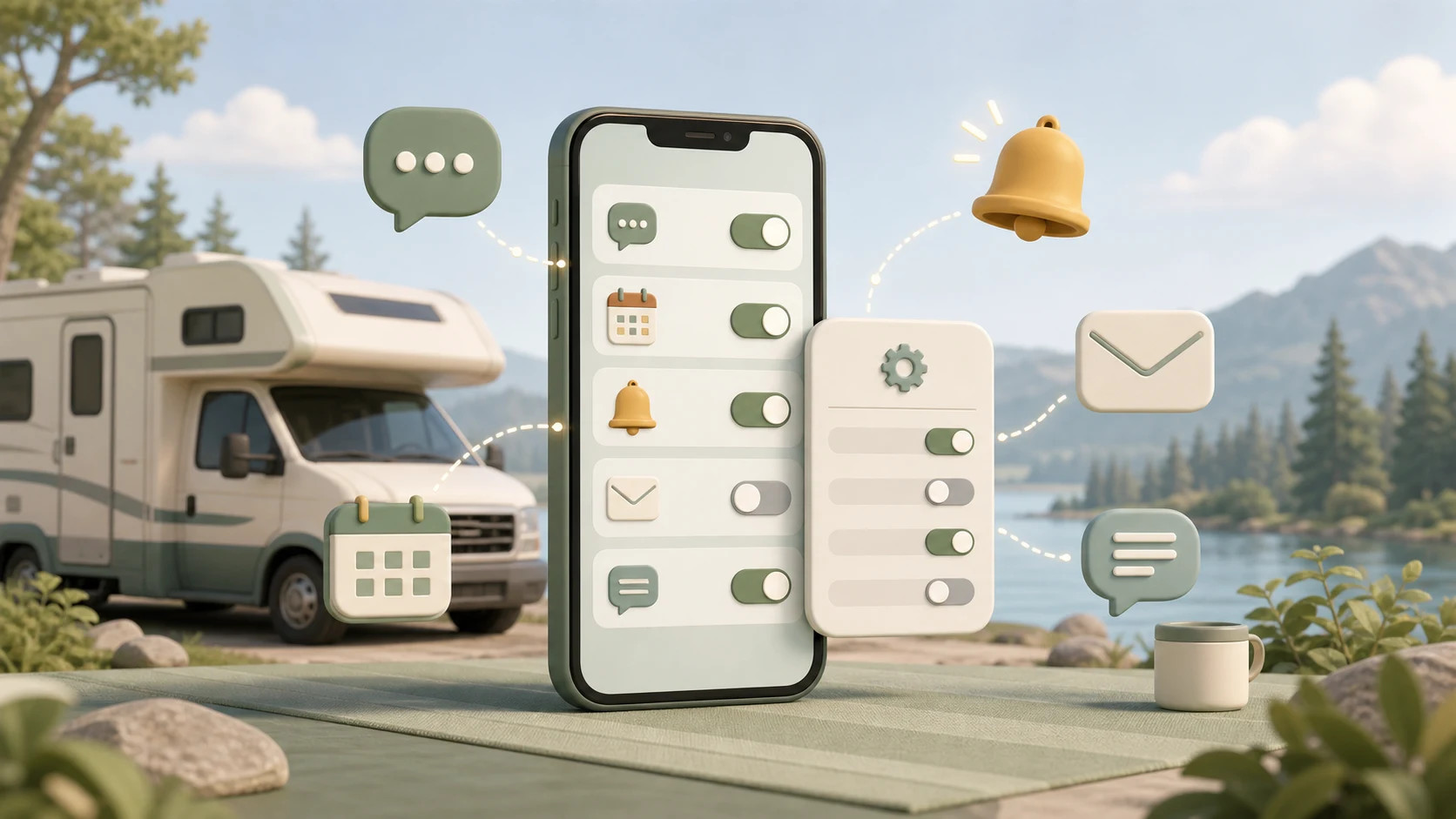
Vanly can contact you through email, push notifications, and text messages. Your preferences determine how you receive host messages, booking reminders, and Vanly announcements.
Before you begin
A signed-in Vanly account
A valid email address
A valid phone number if you want text notifications
Browser or device notification permission if you want push notifications
Step 1: Choose your notification preferences
Open Settings and select Notifications.
The Alerts and Preferences labels at the top describe the purpose of this page. They are not buttons or separate settings.
Use the sections below to choose what Vanly sends you and how you receive it.
Messages
Messages are communications from Vanly hosts and guests.
Choose one or more delivery methods:
Email: Sends message notifications to the email connected to your Vanly account.
Push Notifications: Sends alerts through a supported browser or the Vanly mobile app.
Text: Sends message alerts to the phone number connected to your account.
Messages are marked Recommended because hosts may contact you with questions or important information about a booking.
The Host + Guest label means this preference applies to messages you receive while using Vanly as either a guest or a host.
Reminders
Reminders include time-sensitive information such as:
Upcoming booking reminders
New booking requests
Booking-related actions that may need attention
Choose Email, Push Notifications, Text, or a combination of the three.
Reminders are marked Recommended and Time-Sensitive because delays could affect a booking or stay.
Newsletter
The Vanly newsletter is sent by email and contains important announcements and product updates.
Choose:
Subscribed: Receive the Vanly newsletter.
Unsubscribed: Do not receive the Vanly newsletter.
Newsletter preferences do not replace booking messages or reminders. They only control announcement emails.
Understanding the controls
A checked box means that delivery method is enabled.
An unchecked box means that delivery method is disabled.
For the newsletter, select either Subscribed or Unsubscribed.
Save your changes
After reviewing every section, select Save Preferences.
Wait for the confirmation that your preferences were saved before leaving the page.
Tip: Keep at least one reliable delivery method enabled for Messages and Reminders. Push notifications or text messages can be especially useful for time-sensitive booking updates.
Important: Selecting Push Notifications in Vanly does not override your browser or device settings. If notification permission is blocked on the device, push alerts may not appear until permission is enabled.
You’re ready
Your notification preferences are now saved. Return to this page whenever you want to change how Vanly contacts you.